VSDX Export Create VSDX diagrams using yFiles for HTML

Create VSDX diagrams from your data with yFiles' powerful visualization and layout features.
VSDX Export for yFiles for HTML enables you to export your yFiles diagrams to VSDX files, and share, view, and edit them with any VSDX viewer. The export is an add-on package for yFiles for HTML. The latest release of the add-on is VSDX Export 3.1.1.
VSDX is a file format for diagrams used by Microsoft Visio®.
Example video of the yFiles for HTML VSDX add-on.

Thank you!
Your message has been sent.
We'll get back to you as soon as possible.
Features
Simple and powerful
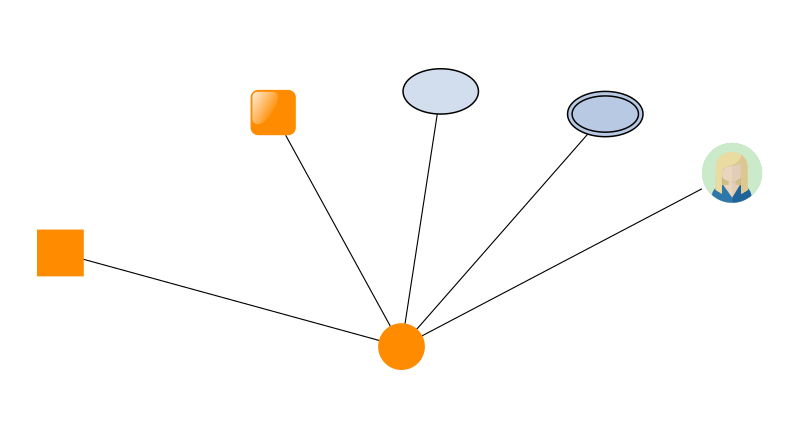
The VSDX Export feature is easy to set up, with most common use cases functioning immediately. However, it also offers extensive customization options to accommodate even the most complex requirements.
Automatic conversion of yFiles styles
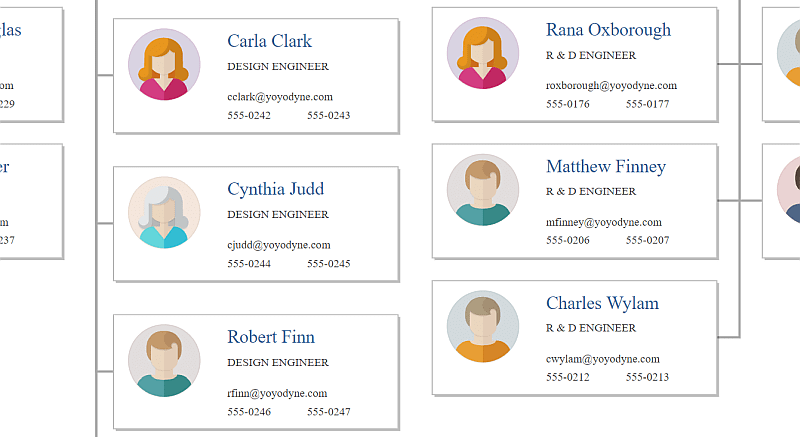
The VSDX Export automatically translates most yFiles visualizations into VSDX shapes, masters and style sheets. In particular, it supports all SVG styles that come with the yFiles for HTML library.
Stencils
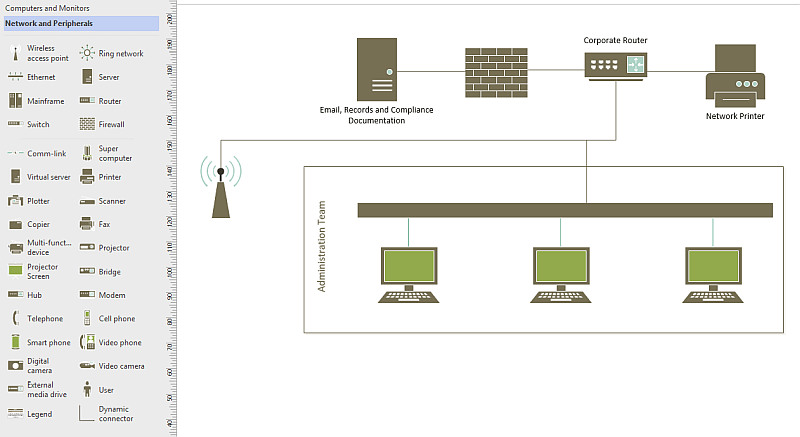
The VSDX Export can load VSSX stencil files and use their masters and style sheets as templates for the exported shapes in the VSDX file.
Templates
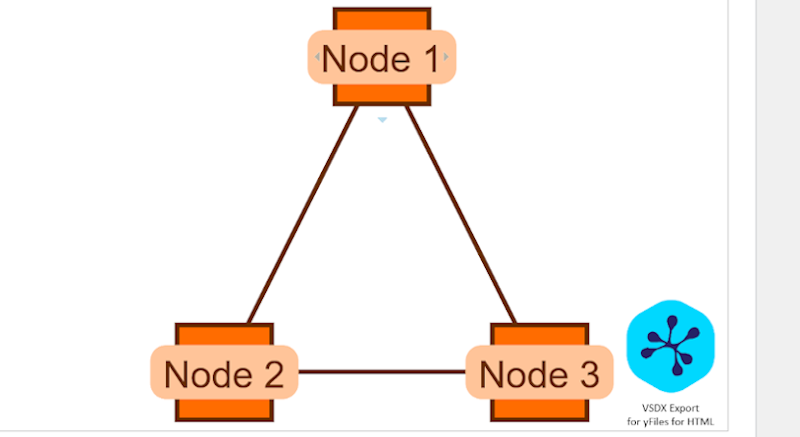
The VSDX Export can load existing VSDX files and use them as templates.
Developer information
Technical Requirements
The VSDX Export works with yFiles for HTML 3.0 or newer and has the same requirements. Namely, it runs in all HTML5-capable browsers with adequate SVG support.
Commercial information
Get in touch with our sales team for more information about prices and ordering, and to learn more about the terms and conditions of the commercial use of the VSDX Export for yFiles for HTML.
Frequently Asked Questions
How do I use VSDX Export for yFiles for HTML?
To use the plugin, simply integrate it into your yFiles application and call the export functions as described in the Developer's Guide and the API Documentation.
You can find a detailed tutorial in the video linked here.
Can I customize the export process of VSDX Export for yFiles for HTML?
Does VSDX Export for yFiles for HTML support exporting annotations and metadata?
Can I edit the files the VSDX Export creates in Visio?
Yes, the exported VSDX files are fully compatible with Microsoft Visio and can be edited afterwards. It is possible to remove, add or change diagram items or contained business data. It is also possible to process the exported VSDX files with compliant tools, so you can use your existing Visio toolchain.
Can I create VSDX files containing multiple diagrams?
Can I add yFiles diagrams to my existing VSDX files?
Getting started
Discover how easy it is to explore, evaluate, and implement yFiles for your projects. Whether you're looking to test it directly in your browser, build a prototype in your own environment, or invest in a long-term solution, yFiles offers straightforward options without hidden costs or commitments.
No subscription, no credit card required—just a quick start with your email address.
Test in Browser
See the VSDX Export add-on for yFiles for HTML in action in our VSDX online demo. It demonstrates how to export graph diagrams to the VSDX format used by Microsoft Visio.
Try for Free
Evaluate the complete yFiles SDK at no cost. Build prototypes in your own environment with full support from the yFiles core developers.
To try the VSDX Export add-on, first start a yFiles for HTML evaluation by visiting our evaluation center.
Buy the SDK
yFiles is available as a Term License, from a Single Developer License up to Project and Site Licenses—choose the tier that fits your team and project, with no royalties.
Using the VSDX Export add-on commercially requires a yFiles for HTML license and the add-on. See the price for the VSDX Export add-on for yFiles for HTML on the yFiles for HTML pricing page by selecting the VSDX Export option in the license configuration.
Got questions about
the VSDX Export add-on?

Lukas Holländer
VSDX Team Lead
Email: hello@yworks.com
Phone: +49 7071 9709050
Choose your next steps
Get connected
Connect with our Customer Success Team regarding your ideas or projects.

Download yFiles
Try yFiles free of charge.